

- Theme
-
- Fantasy
- Minecraft Version
-
- 1.21
- Length (X)
- 500
- Height (Y)
- 350
- Width (Z)
- 500
✦ MEDIEVAL FANTASY LOBBY / SPAWN ✦
A hand-built kingdom hub with royal palace, market district & floating balloons
A hand-built kingdom hub with royal palace, market district & floating balloons
Overview
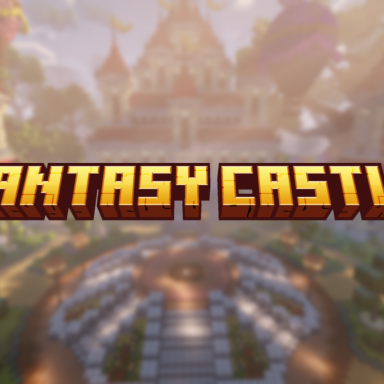
Welcome your players into a living fantasy kingdom. This lobby combines a grand royal palace, a symmetrical stone plaza with a raised centerpiece, a colourful merchant market and hot air balloons drifting above the rooftops. Every district is fully detailed and built around a central spawn point, making it ideal for network hubs, RPG servers, survival spawns or event worlds.
 Features
- Grand central palace with towers and red rooftops as the main landmark
- Symmetrical plaza with a raised centerpiece — perfect for spawn, NPCs or holograms
- Wide stone staircases and pathways leading up to the palace entrance
- Detailed merchant market with striped canopies, crates, barrels and small crop beds
- Colourful bunting and banner lines strung across the market district
- Large noble buildings with columns, arches and golden flags
- Decorative hot air balloons floating above the map
- Custom oversized trees and dense natural landscaping
- Flower beds, hedges and topiary throughout the plaza
- Ivy and vine detailing on stone facades
- Full lighting setup — lantern posts, wall torches and sea lantern accents
- Clear player flow with multiple portal / NPC / hologram spots
Technical Details
- Size: 150x150 blocks
- Format: World folder + .schem file
- Version: Built in 1.21 (works in 1.21 – 26.1)
- Blocks: 100% vanilla blocks — no custom models required
- Shaders: Screenshots taken with shaders (optional, not included)
Dependencies
This resource has NO external dependencies.
- No premium plugins required
- No license key or HWID activation
- No external downloads required to use the map
- No custom resource pack required
- WorldEdit / FastAsyncWorldEdit — only needed if you prefer pasting the included .schem file instead of loading the world folder. Publicly available here: https://dev.bukkit.org/projects/worldedit
Installation
- Download and unzip the file
- Drop the world folder into your server directory
- Load the world (e.g. via Multiverse) or paste the .schem with WorldEdit
- Set your spawn point and you're done
Terms
- Do not redistribute, resell or share the files
- One purchase = one network
- Edits for personal server use are allowed
- No refunds after download